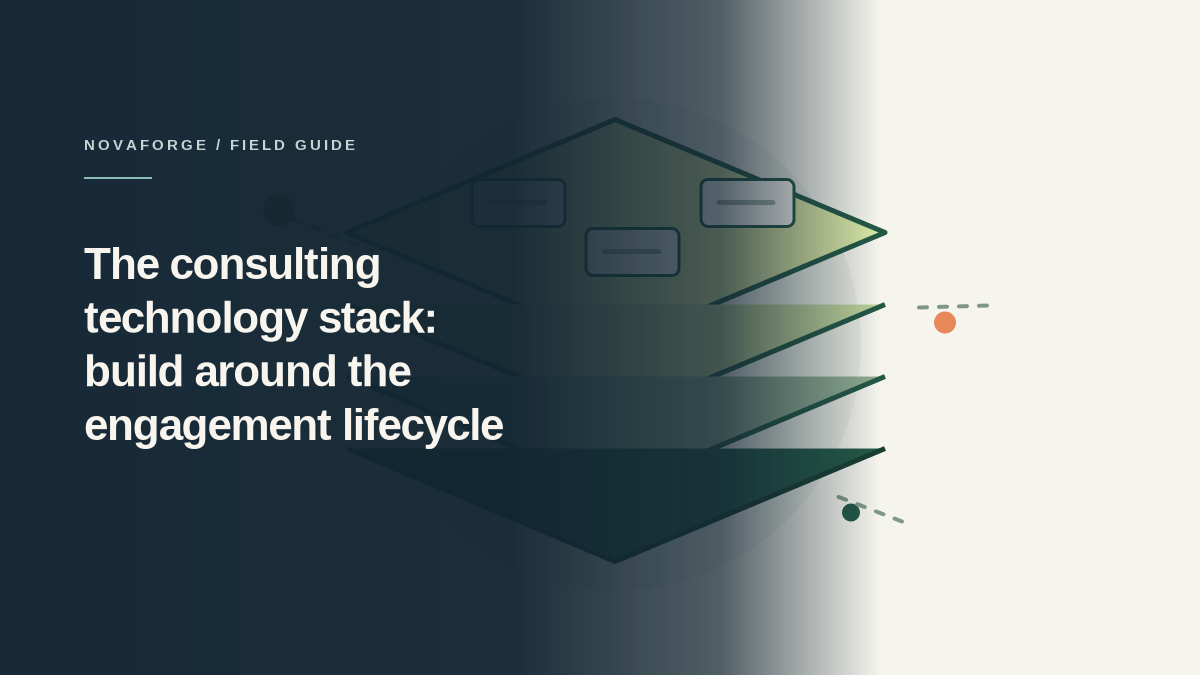
A consulting firm’s technology stack is not a list of popular products. It is the set of connected systems and practices that support the journey from a prospective client conversation to delivery, learning, and ongoing firm operations.
Choosing tools before understanding that journey often creates duplicate records, manual handoffs, and conflicting sources of truth. Start by mapping the work.
Think in lifecycle capabilities
| Lifecycle area | Capability to support | Questions to ask |
|---|---|---|
| Business development | Track relationships, opportunities, and next steps | Where is the authoritative client and opportunity record? |
| Proposal and contracting | Assemble approved materials and track reviews | How are scope, pricing, and commitments approved? |
| Engagement delivery | Plan work, manage milestones, and communicate status | Which system reflects the current plan and ownership? |
| Time and commercial operations | Capture effort, expenses, billing, and utilization inputs | How do project and finance records reconcile? |
| Knowledge and research | Find reusable expertise and source material | Who owns permissions, quality, and currency of knowledge? |
| Collaboration and records | Coordinate work and retain appropriate artifacts | How are access, retention, and client boundaries handled? |
| Reporting and leadership | See delivery health and firm-level performance | What decisions depend on each metric and source? |
The capability labels are more durable than a vendor list. Different firms may combine them in a single platform or use several specialist systems.
Identify the source of truth
For each important record—client, opportunity, engagement, budget, deliverable, or knowledge asset—decide which system is authoritative. Record which system owns changes and how other tools receive updates.
This prevents a common stack problem: multiple systems that each look complete but disagree. An integration is valuable only if it preserves ownership, permissions, and a clear route to correct bad or stale data.
Add AI and automation carefully
AI can assist with bounded tasks such as summarizing approved meeting notes or finding passages in an authorized knowledge collection. Automation can move information between systems, notify an owner, or create a review task.
Neither capability fixes an unclear process. Before adding one, specify the data boundary, reviewer, exception path, and way to measure whether the work improved. The proposal automation guide provides a workflow example; the AI governance framework covers controls.
Evaluate the whole operating cost
Compare candidate tools on:
- Fit with the firm’s actual workflow and client model.
- Data access, confidentiality, and permission controls.
- Integration quality and ownership of the source record.
- Migration and implementation effort.
- Training, administration, and support requirements.
- Export options and the practical cost of changing systems.
- Total cost at the firm’s expected scale.
Request current product and security documentation from vendors and test the important workflow in a realistic environment. A feature comparison cannot substitute for validating data handling and the full process.
Make the first improvement small
Select one painful handoff or missing capability. Map it, set an owner, and agree on a baseline. Improve the existing workflow where practical before introducing another platform.
After launch, review whether users can complete the work, whether records stay consistent, and whether the process is actually easier to manage. Expand only when the new approach is understood and supportable.
Revisit the stack as the firm changes
The right stack depends on firm size, service mix, information needs, client commitments, and existing investments. Review the design when the firm changes its operating model or a tool no longer supports how work is delivered.
The goal is not maximum software coverage. It is a dependable environment that helps people serve clients, manage commitments, and learn across engagements.